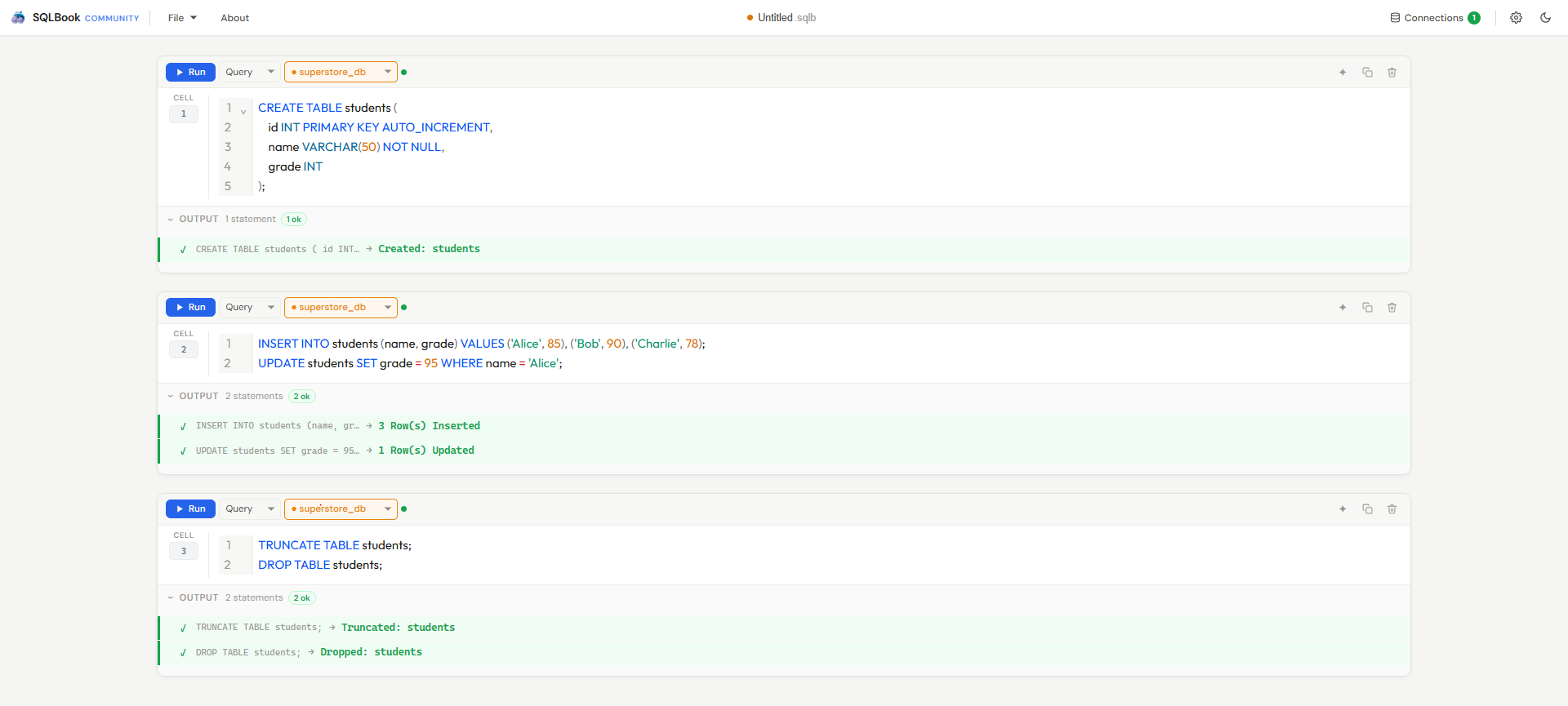
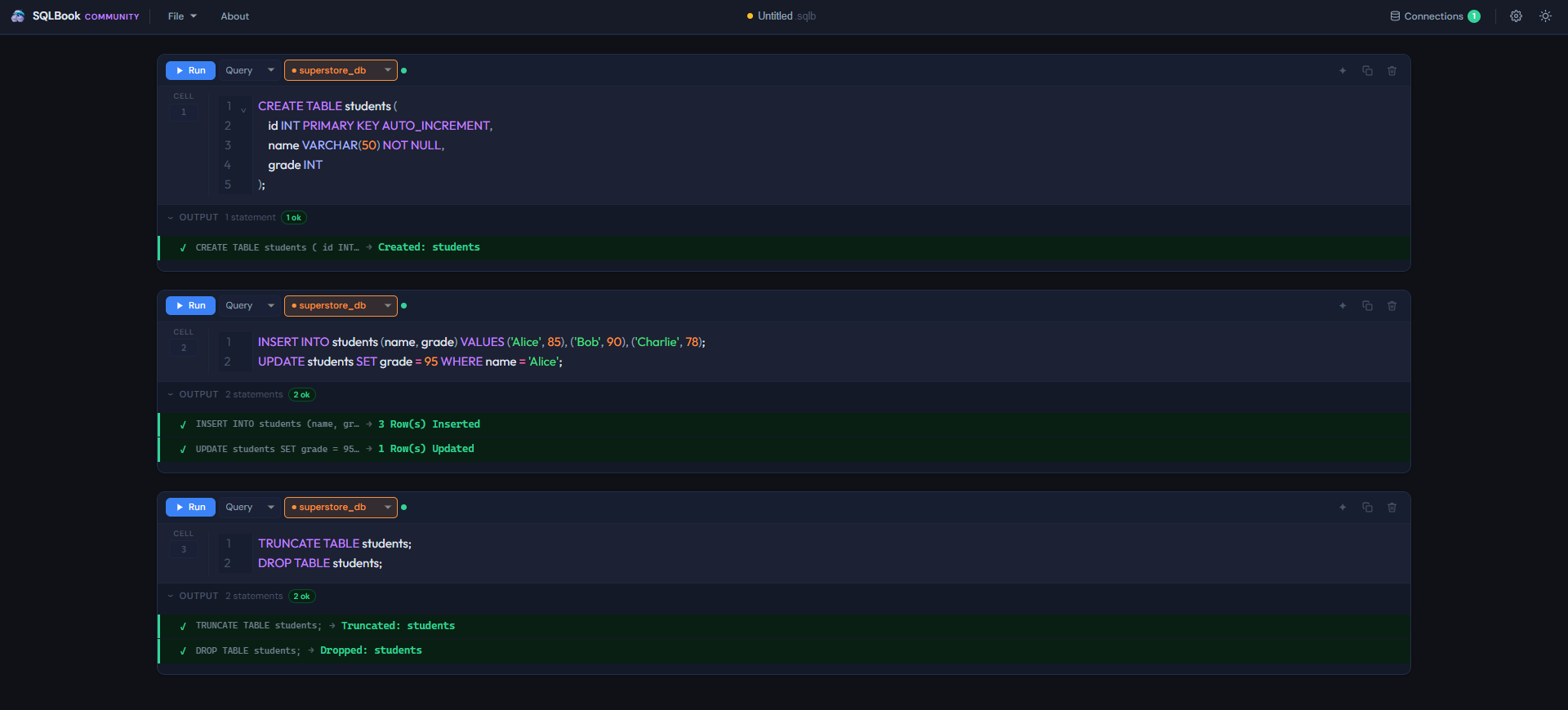
If you know SQL, you're already ready. Connect to MySQL, PostgreSQL, SQL Server or OracleDB, run your queries, and turn results into beautiful charts — bar, line, pie, scatter, heatmap and more. No Python. No programming. No cloud. Just SQL.
Connect to MySQL, PostgreSQL, SQL Server and OracleDB simultaneously. Each cell can target a different connection — switch without leaving your workflow.
Mix Query, Note, and Heading cells in one document. Organize complex analyses with human context right alongside the SQL.
Every query result has a Visualize button. Click it, pick a chart type, adjust axes — the chart saves with the notebook. No separate tool, no export step.
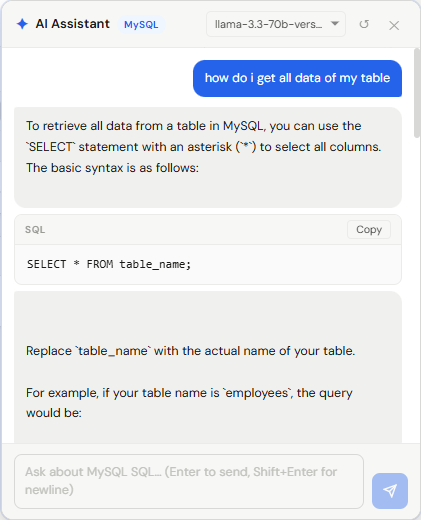
Use your own API keys — OpenAI, Anthropic, Groq, Google Gemini or a local offline model. The AI understands your database type and notebook context.
Everything runs on your machine. Connection credentials and AI keys are encrypted and machine-bound. No telemetry, no cloud sync.
Notebooks save as .sqlb files — a clean JSON format that stores queries, results, charts, notes, and AI context all in one portable file.
Full syntax highlighting, dialect-aware keyword completion, smart indentation, Ctrl+D to duplicate lines, and per-database keyword sets.
Export result tables to CSV, copy as tab-separated, or print the whole notebook with a clean layout that fits properly on the page.
Every existing option asks you to give something up. SQLBook doesn't.
.sqlb file that never leaves your machine.Download for your platform, run it, and SQLBook opens. No account, no setup wizard, no telemetry.
Open the Connections panel, fill in host, port, and credentials. Test connection — done. Everything stays encrypted on your machine.
Add a Query cell, select your connection, write SQL, press Shift+Enter. Results appear instantly with row counts and CSV export.
Click Visualize on any result. Pick a chart type, adjust the axes, give it a name. The chart saves inside your .sqlb file alongside the query that produced it.
SQLBook's AI assistant uses your own API keys — OpenAI, Anthropic, Google Gemini, Groq, or a local model running entirely on your machine. No middleman, no markup, no data leaving your control.
Most SQL tools show you a table and leave you to figure out the rest. In SQLBook, every result has a Visualize button. The chart lives next to the query that created it, saved together in your .sqlb file — so when you reopen it a month later, everything is exactly as you left it.
Compare values across categories. Perfect for sales data, performance metrics, or any ranked comparison.
Track trends over time. Works beautifully with time-series data, KPIs, and anything date-based.
Show proportions and distributions. Auto-detects category columns and renders instantly.
Explore correlations between two numeric columns. Great for spotting outliers or clusters in your data.
Compare multiple attributes across categories. Works well with performance data or multi-dimensional comparisons.
Visualize statistical distributions and financial OHLC data. Perfect for price analysis, data spread, and outlier detection.
Map relationships between entities — foreign keys, user connections, data pipelines. Great for visualizing linked data structures.
Compare multiple numeric dimensions simultaneously. Ideal for spotting patterns across many columns in one view.
Show cumulative effect of sequential values — running totals, financial statements, budget variances at a glance.
Display a single KPI as a speedometer-style dial. Perfect for dashboards showing progress, utilization, or score.
Track drop-off through conversion stages — sales pipelines, signup flows, or any sequential process with reducing counts.
Show hierarchical data as nested rectangles sized by value. Great for budget breakdowns, disk usage, or category proportions.
Visualize density and intensity across two dimensions — time patterns, correlation matrices, or activity grids.
SQLBook reads your column types and automatically picks the most appropriate chart. Date columns become line charts. Categories become bars. You can always switch — no config files, no extra steps.
Our complete guide walks you through everything — setting up connections, writing queries, building charts, using the AI assistant, and more.
Read the SQLBook Guide →Enter your details — we'll send a verification code, then your download starts immediately.
We keep this for our records only. No spam, ever.